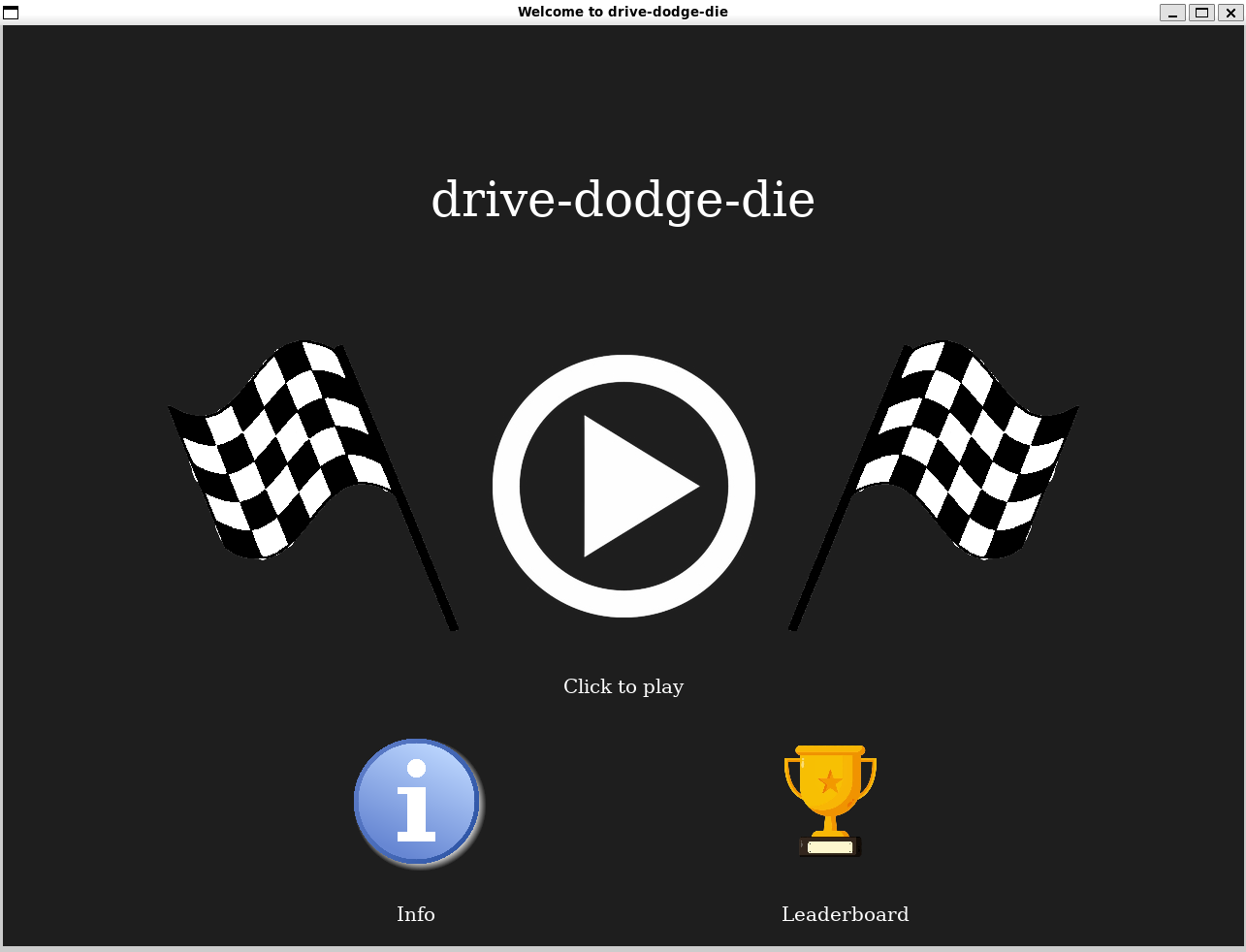
drive-dodge-die
Welcome to the fast life - enter, if you dare!
Overview
Your mission? Reach the checkpoint before time runs out, while skillfully dodging obstacles along the way. Your score depends on both distance and speed: the farther you progress, the tougher the challenge becomes, with an increasing number of hazards cluttering the track. Fortunately, power-ups are scattered throughout the race, giving you an edge by boosting acceleration or granting temporary immunity against collisions. It’s a test of reflexes, strategy, and endurance — can you navigate the chaos and make it to the finish line?
Are you ready to drive, dodge or die ?
Features
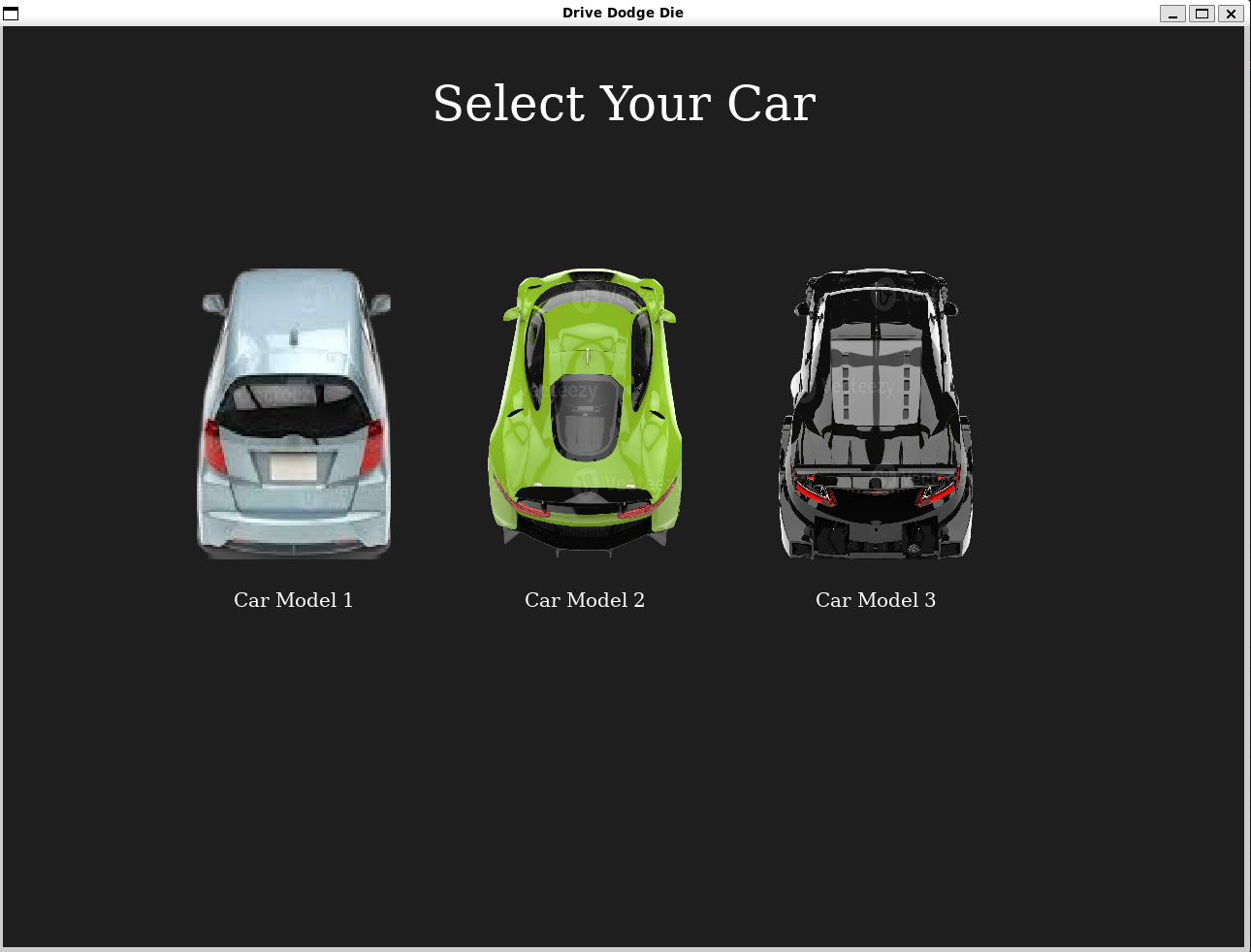
You can choose from 3 cars which vary in speed range and acceleration abilities.
You’ll drive your chosen car on a track, dodge dangerous obstacles - holes and barriers, or crash on them and die!
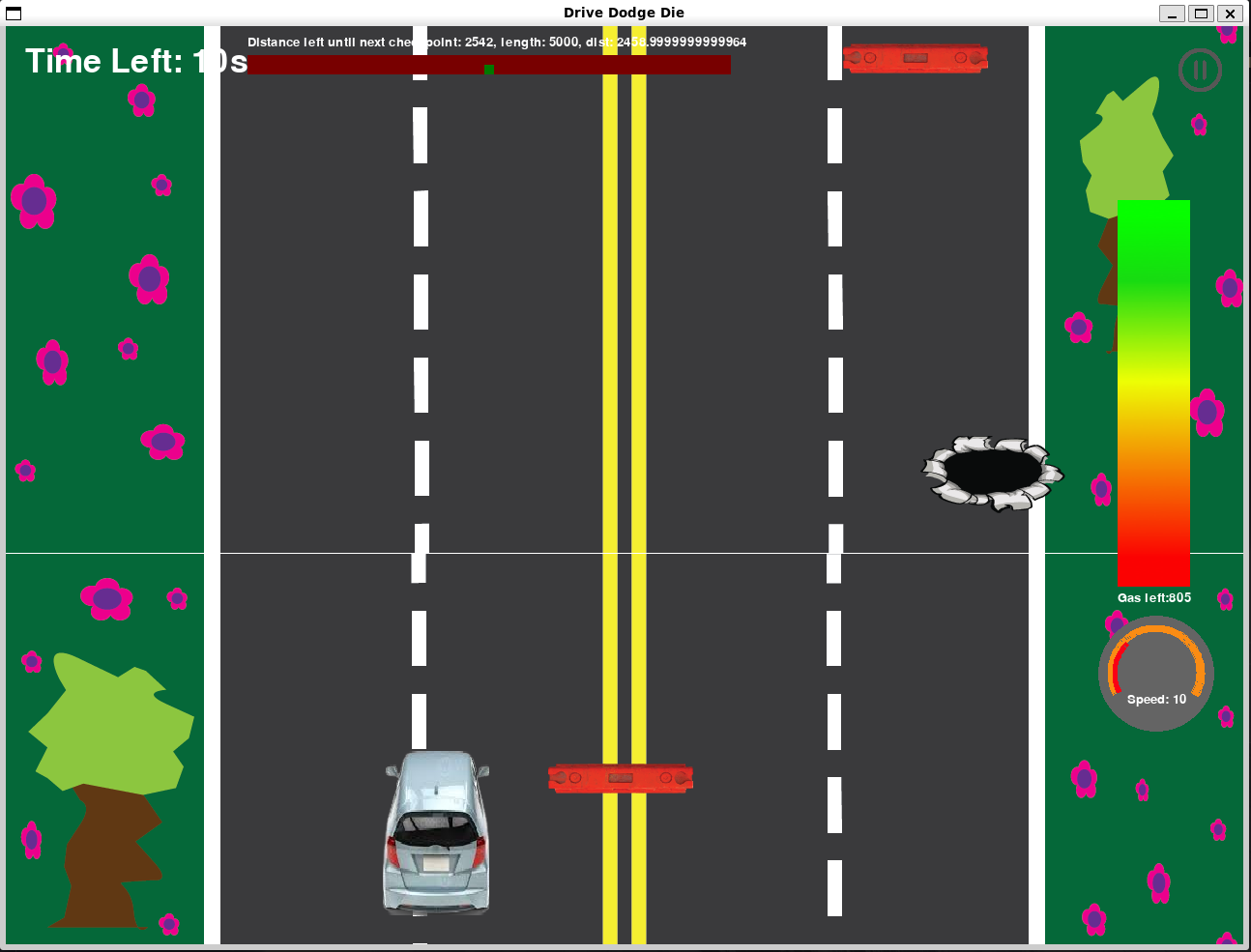
Your car’s current speed and gas storage is shown on the right. Acceleration will consume gas, and once you run out of it, you can no longer speed up. When you’re not accelerating, the gas will automatically refill.
The minimap at the top shows length of the road till the next checkpoint and the car’s current position.
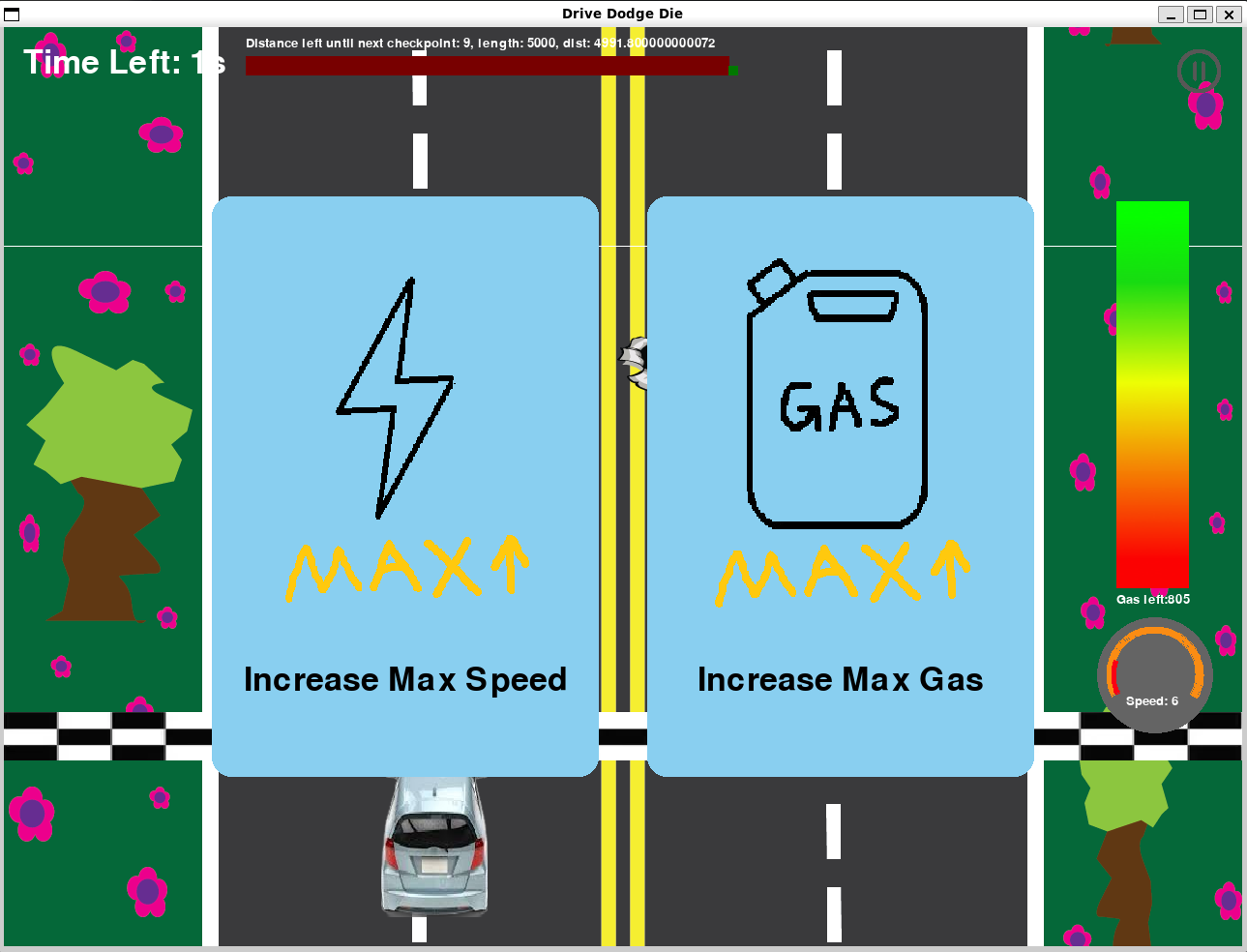
Once you hit the checkpoint, you can choose from two power-ups that make your car stronger. There’re five in total - play the game and explore it yourself! You will also get extra time automatically at checkpoints. However, the distance between checkpoints get longer and longer as the game goes, so drive fast!
Here’s a more detailed overview video of the game and the development process.
Game Controls
The car is controlled on the track using keyboard inputs:
Press the up arrow key or w to accelerate
Press the down arrow key or s to decelerate
Press the left arrow key or a to move left
Press the right arrow key or d to move left
Click on power-up choices to choose them
Play the Game!
To play the game, go to our repo: https://github.com/olincollege/drive-dodge-die and download as a zip file or clone the repository. Then install the requirements and you are ready to play! For more specific instructions, read the README in our repository.
Contributors
Antara Mazumdar, Ellie Kung, Yunzhu Chen
Attributions
PyGame was used to create the screens and user interfaces for this game.
ChatGPT was used to work through large volumes of pygame documentation and find functions that would be best suited for the game.