PyTetrominoes
A python game with tetrominoes.
Project maintained by olincollege Hosted on GitHub Pages — Theme by mattgraham
PyTetrominoes
A Python game with Tetrominoes by CJ Hilty & Daniel Park.
Overview
PyTetrominoes is a game with the same rules and mechanics as the classic 1984 Tetris Game. We recreated this game to familiarize ourselves with Pygame, the library we built our game upon, and the Model-View-Contoller (MVC) framework.
The word PyTetrominoes is a Portmanteau word, or a blend of the two words, Python, the language we programmed this in, and Tetrominoes, the name of the blocks in Tetris. For information about the rules of Tetris, please visit the official Tetris Fandom Website for the official rules we based our game on.
However, unlike normal Tetris, PyTetrominoes takes a different approach to the atmosphere to the game. Instead of blocks falling faster and faster in Tetris, the speed of the falling blocks remains constant. We also added lofi music, and we used a blackboard theme to try and achieve a vibe that ‘you’re learning to play tetris in a less stressful environment’.
Libraries and Packages
Please making sure you have Python 3 and pip already downloaded before running these commands. Instructions for installation are hyperlinked to the libraries.
Our game is built using Pygame, a cross-platform set of Python modules designed for writing video games. To install the package, run the following command in Bash:
$ pip install pygame
Installation and Setup
If you want to install the game for yourself, please clone this repository to your machine. To run the game, open the tetris_game.py file through the command line with the command python tetris_game.py. Alternatively, the game can be run by opening tetris_game.py through the file directory.
Screenshots & Demonstrations
When the user first opens the game, the game will start with the first block falling down in the Tetris board. The game will proceed as normal Tetris (with a few altercations mentioned in the Overview section.
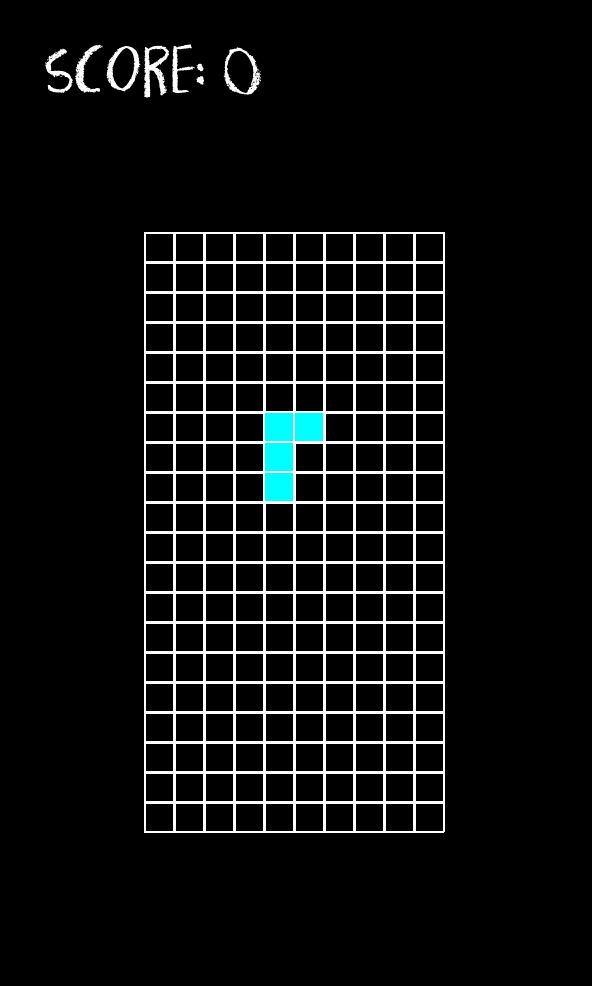
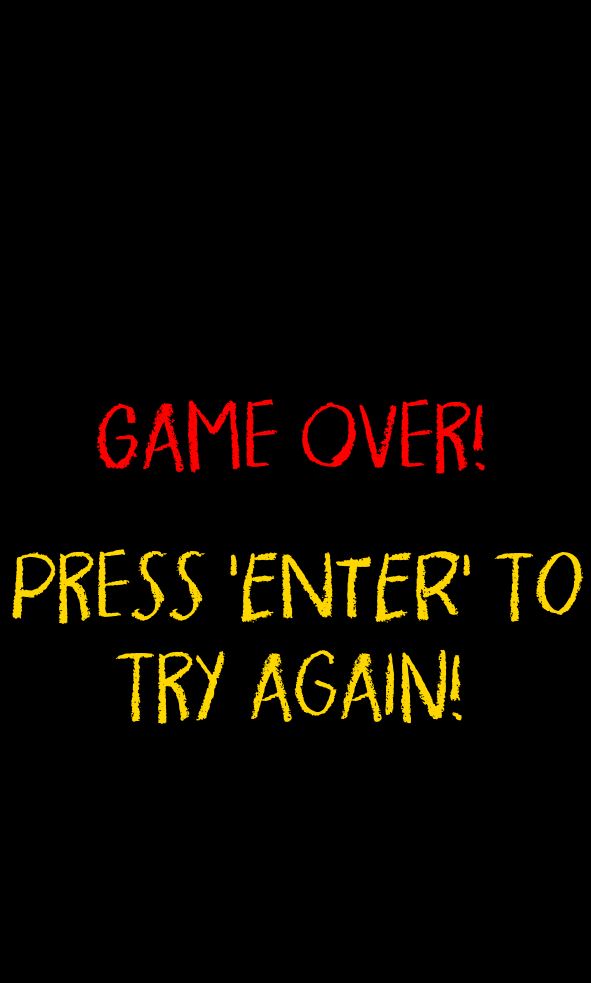
Users will keep playing the game until the board gets filled to the brim with pieces, which then the “Game Over” Screen will show and users can start the game over by pressing the “Enter” button on their keyboard.
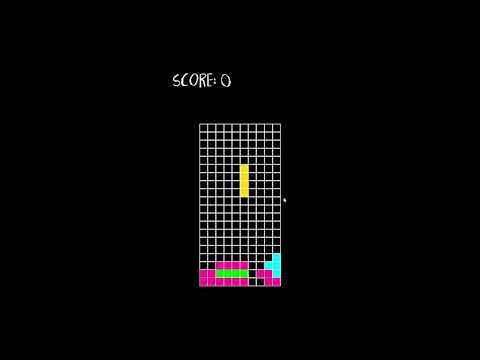
Full Game Video Demonstration:
Note: Clicking the video below will navigate you to the PyTetrominoes Demonstration YouTube video
Media Credits
Game Font: Pigment
Audio:
Background Music: Lo-Fi Tetris Theme (Korobeiniki)
Sound Effects:
- New Piece Sound Effect: Writing Chalk Oneshot-02
- Place Piece Sound Effect: Writing Chalk Oneshot-03
- Complete Row Sound Effect: Writing Chalk Oneshot-04