Software Design
Software Diagram
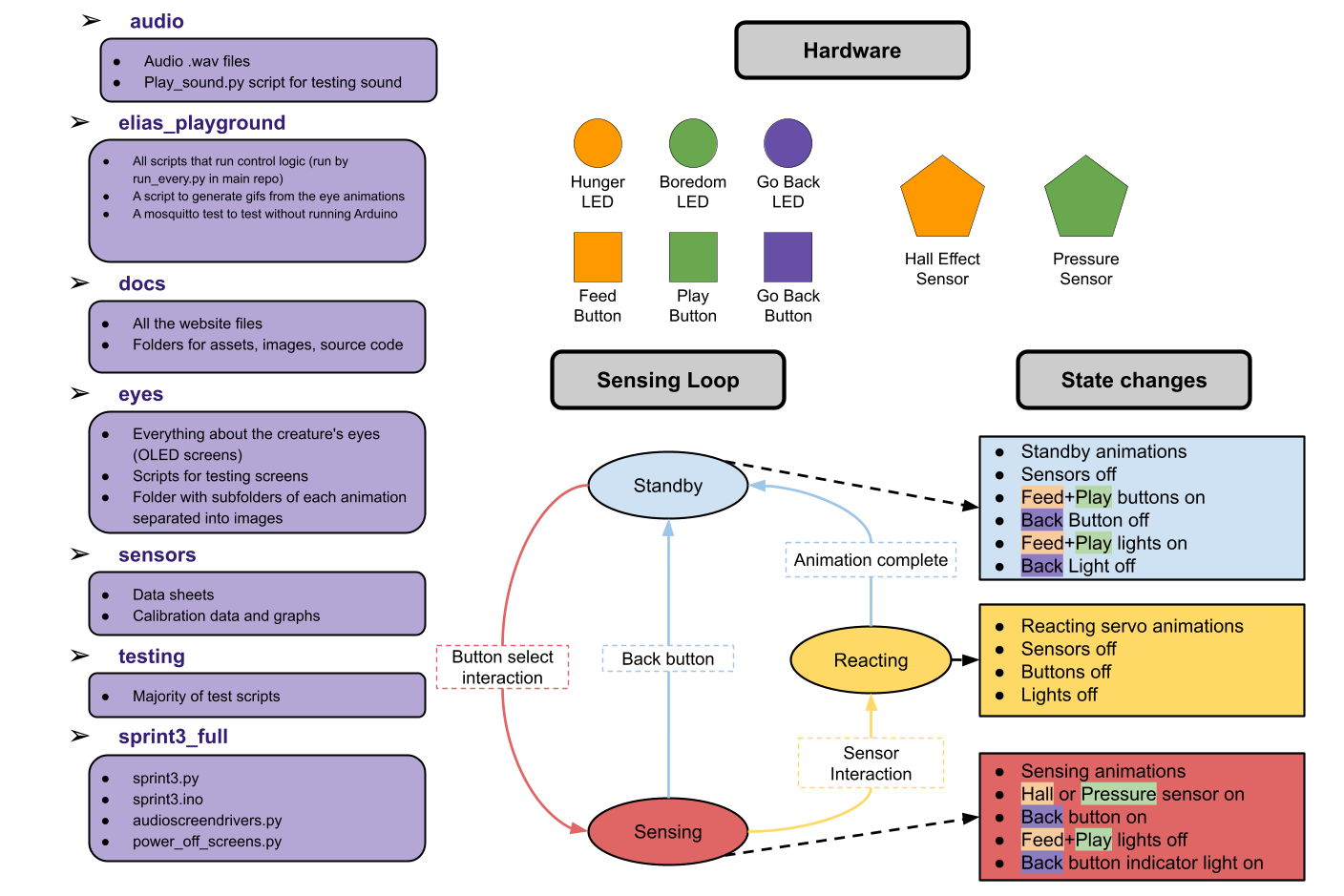
Our final control system consists of five python scripts run simultaneously through a sixth script
called run_everthing.py, and an Arduino script. The Python scripts communication with each
other through the use of the python library Mosquitto. The Arduino communicates with the rest of the
system through one script that sends and receives serial information. The python scripts are the
following:
state_controller.py:
Acts as a finite state machine (FSM) controller that connects the Arduino to the rest of the system.
It listens for short messages sent from the Arduino over a serial connection, figures out what state
the system should be in (idle, sensing, or reacting), and publishes those updates over MQTT when the
state changes.
It also sends commands back to the Arduino so the hardware knows what to do next.
It also listens for MQTT messages to handle resets and trigger behaviors like hunger or boredom
animations, and it takes care of startup and reset logic so the system doesn't get out of sync.
machine_idle.py:
This node handles what the machine does when it’s in the idle state. It keeps track of two internal
needs (hunger and boredom) and lets them slowly decrease over time.
Based on those values, it decides whether the machine is just idle, hungry, bored, or “hangry”,
and publishes that over MQTT when it changes. The node listens for FSM updates so it knows when the
machine leaves idle to start sensing or reacting, at which point it pauses the need timers, and it
resets the appropriate need when the machine eats or plays.
Overall, it acts as the background logic that determines idle behaviors and animations when nothing
else is happening.
hunger.py and boredom.py:
These contain two classes that manage the creature’s need: hunger and boredom.
Each one slowly counts down over time using an asynchronous timer (only while the machine is idle)
and publishes its current value over MQTT as it decreases.
When the value drops below a threshold, the need is considered active (hungry or bored), which other
parts of the system can react to.
Both systems pause while the machine is sensing or reacting, reset when the machine eats or plays,
and can be shut down via a shared MQTT shutdown message.
audio_screen_drivers.py:
This script handles the creature’s screens and speakers. It drives two SPI OLED screens and the
speakers, listens for messages over MQTT, and changes animations and sounds based on the current
state.
Depending on whether the machine is idle, hungry, bored, eating, playing, or hangry,
it starts the corresponding eye animation in a background thread and plays looping or interval-based
sounds.
In some ways, this was one of the most complex scripts to write because we had to write drivers from
scratch and take care to avoid screen corruption.
full_arduino_servos.ino:
This runs the hardware side of the system, handling buttons, sensors, LEDs, and servo motion while
talking to state_controller.py over serial.
It reads the hall effect sensor in the beak and force sensor on top of the head to detect eating and
petting, buttons, and sends state transitions back to
the controller using short serial messages. When the machine enters a reacting state, it locks
inputs and plays servo animations then returns to idle and sends a message that it’s done.
The sketch also controls three NeoPixel LEDs to give visual feedback for hunger and boredom levels
and carefully manages timing so all interactions remain non-blocking.
This script was not fully functional for demo day, and servo information was commented out. We later
went back in and did more work.



Here are GIFs of the eye animations for the OLED screens. They did not record well. These gifs are imperfect because the eyes consist of a start animation and a loop and these only show a loop.